
Run a Zcash quiz for your community
For meetups, university clubs and events. Nothing to install; people join from their phones.
- 1
Become an organizer
Sign up with your email and apply from your profile. Studio opens once our team approves you.
Apply as an organizer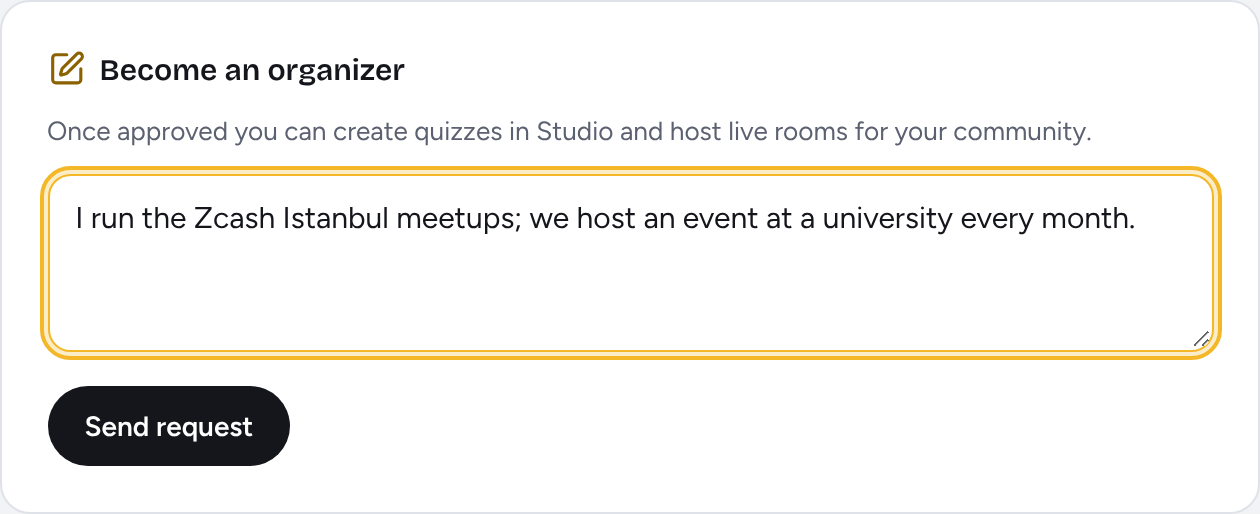
- 2
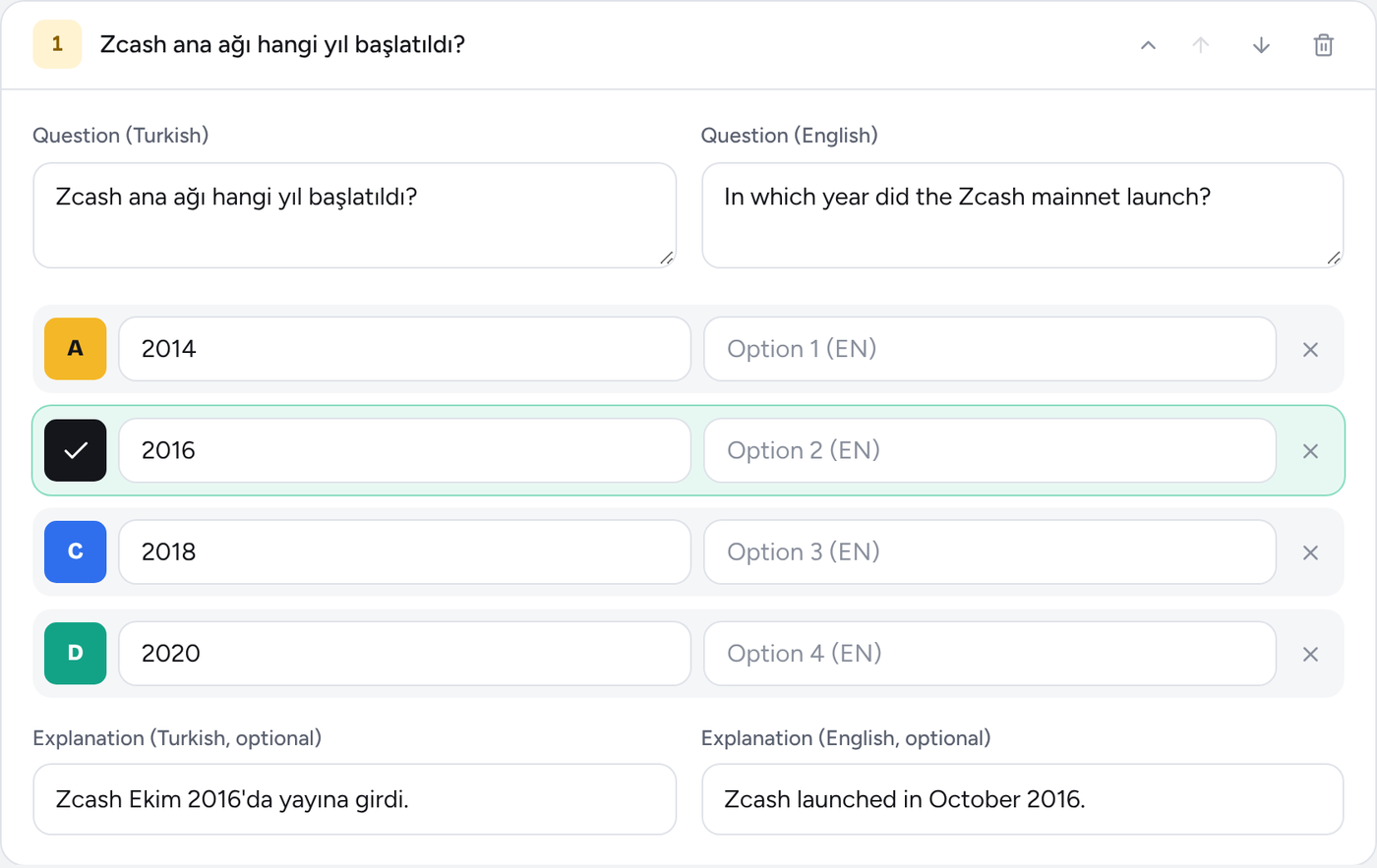
Prepare your quiz
Write questions in Studio or start from a ready-made template. Add a cover photo.
- 3
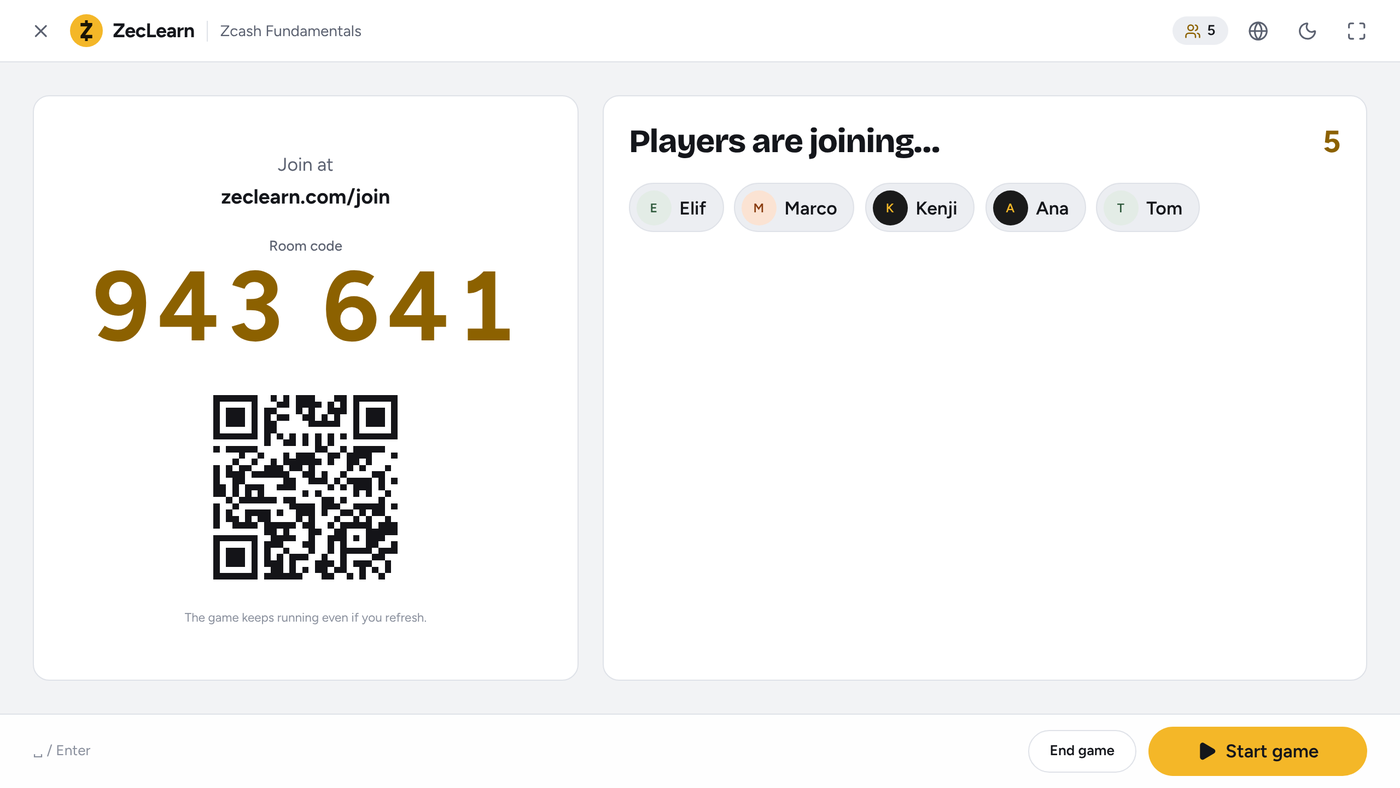
Open a room
Press Host Live Room on the quiz page and put the code and QR on the big screen.
- 4
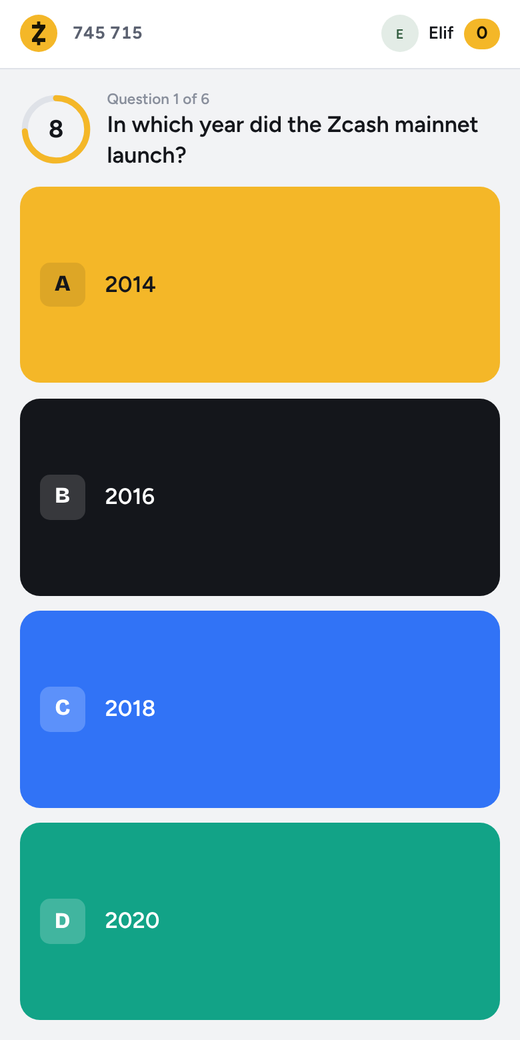
Everyone joins
People scan the QR and join with a nickname. 10 seconds per question; the ranking updates live.
Tips for the day of your event
- Put the room screen on a projector or a big TV. People can scan the QR from across the room.
- Participants don't need an account; they join as guests with a nickname. Anyone can create an account afterwards to keep their score.
- Each question has 10 seconds. Keep questions short and clear; 2–4 options are enough.
- Add a short explanation to each answer. It shows on screen and is a good moment to start a conversation.
- Open a test room with your own phone before you start. If the Wi-Fi is weak, people can join over mobile data.
Questions
Does it cost anything?
No. ZecLearn is free for Zcash communities.
How many people can join at once?
For a meetup or a classroom the limit is not an issue in practice; the system handles hundreds of simultaneous answers without losing any.
Is my quiz visible to everyone?
You can host a live room with your quiz right away. To have it listed in Explore, submit it for review; it goes live once our team approves it.
What if someone refreshes the page?
Nothing is lost. The game state lives on the server; a player or host who refreshes continues where they left off.
Can I upload questions in bulk?
Yes. With JSON import in Studio you can upload one or several quizzes at once.
Run your first quiz this week
Once approved, you can start in minutes from a ready-made template.